
Add Trust badges on Shopify products page with a simple Liquid snippet. Compatible with Horizon and Dawn themes. Fully customizable, no app required.

Table of Contents⏱️ 2 min read
1.Add custom liquid
1. Go to Online Store – Themes – Edit theme.
2. Open Product page template
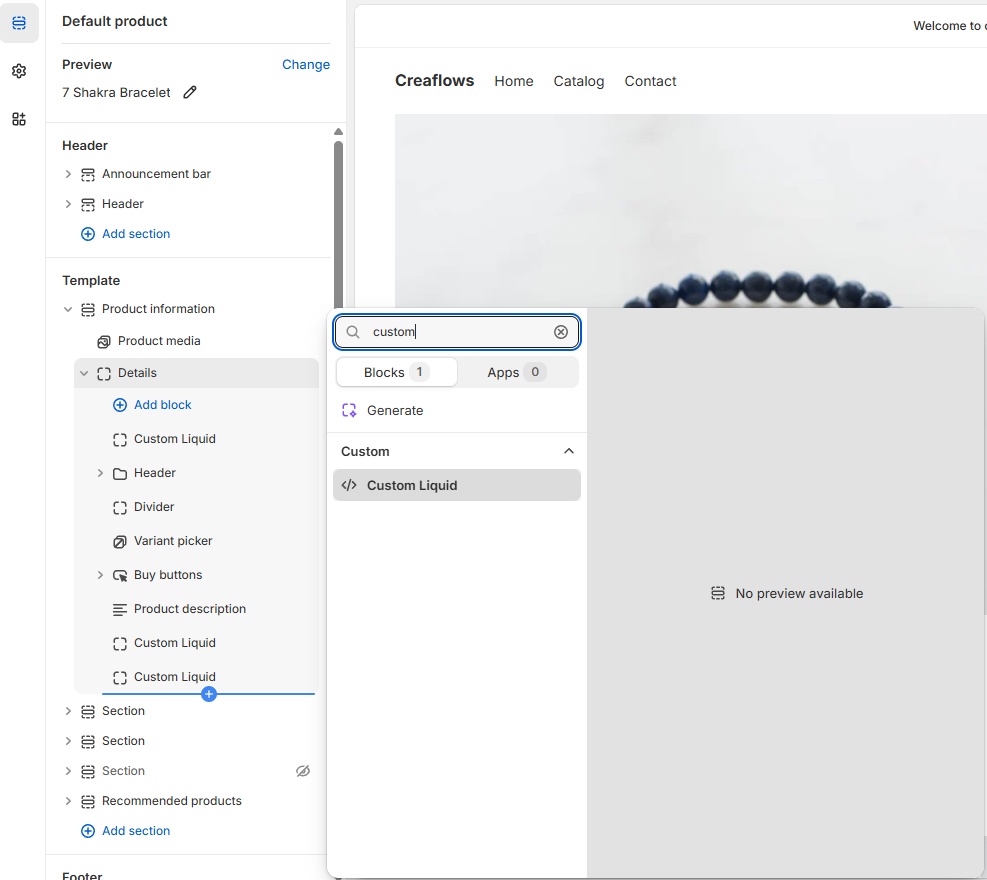
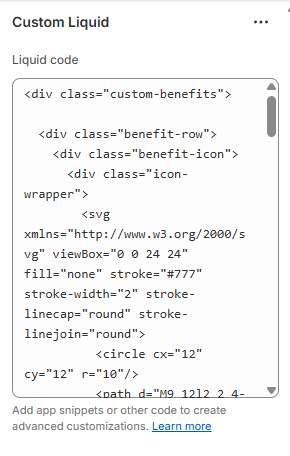
3. Add custom liquid and insert code.
<div class="custom-benefits">

  <div class="benefit-row">
    <div class="benefit-icon">
      <div class="icon-wrapper">
        <svg xmlns="http://www.w3.org/2000/svg" viewBox="0 0 24 24" fill="none" stroke="#777" stroke-width="2" stroke-linecap="round" stroke-linejoin="round">
          <circle cx="12" cy="12" r="10"/>
          <path d="M9 12l2 2 4-4"/>
        </svg>
      </div>
    </div>
    <span class="benefit-text">Fast & Secure Shipping</span>
  </div>

  <div class="benefit-row">
    <div class="benefit-icon">
      <div class="icon-wrapper">
        <svg xmlns="http://www.w3.org/2000/svg" viewBox="0 0 24 24" fill="none" stroke="#777" stroke-width="2" stroke-linecap="round" stroke-linejoin="round">
          <rect x="3" y="11" width="18" height="11" rx="2" ry="2"/>
          <path d="M7 11V7a5 5 0 0110 0v4"/>
        </svg>
      </div>
    </div>
    <span class="benefit-text">Money-Back Guarantee</span>
  </div>

  <div class="benefit-row">
    <div class="benefit-icon">
      <div class="icon-wrapper">
        <svg xmlns="http://www.w3.org/2000/svg" viewBox="0 0 24 24" fill="none" stroke="#777" stroke-width="2" stroke-linecap="round" stroke-linejoin="round">
          <polygon points="12 2 15.09 8.26 22 9.27 17 14.14 18.18 21 12 17.77 5.82 21 7 14.14 2 9.27 8.91 8.26 12 2"/>
        </svg>
      </div>
    </div>
    <span class="benefit-text">Thousands of Happy Customers</span>
  </div>

</div>

<style>
.custom-benefits{
  display: flex;
  flex-direction: column;
  gap: 4px;
  margin: 24px 0;
  font-family: inherit;
  background:#f5f5f5;
  border-radius:5px;
  padding:16px;
}

.benefit-row{
  display: flex;
  align-items: center;
  gap: 12px;
}

.benefit-icon .icon-wrapper {
  width: 20px;
  height: 20px;
}

.benefit-icon .icon-wrapper svg {
  width: 100%;
  height: 100%;
}

.benefit-text {
  font-size: 15px;
  font-weight: 600;
  color: #333;
}
</style>
2. Change trust badge text (optional)
You can change the trust badge text by editing the HTML.
Look for the following line and replace the text inside the <span> tag. Repeat the same step for the other trust badges as well.
<span class="benefit-text">Money-Back Guarantee</span>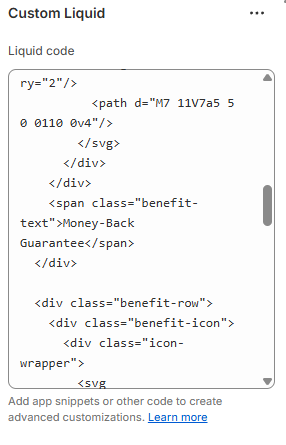
3. Change icons (optional)
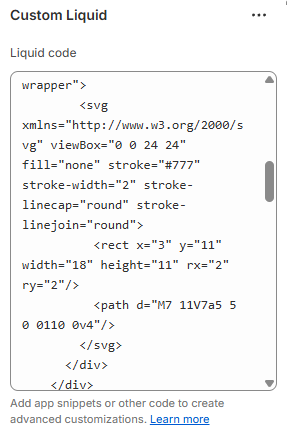
Icons can be changed in the same way.
Simply replace the SVG code of each icon with your desired SVG.

 I’m Fruzsina professional webdesigner/dev with years of experience.