
Add X people bought this today text with a simple Liquid snippet. Compatible with Horizon and Dawn themes. Fully customizable, no app required. This feature increases trust and conversion by showing real-time social proof directly on your product page.

Table of Contents⏱️ 2 min read
1.Add custom liquid
1. Go to Online Store – Themes – Edit theme.
2. Open Product page template
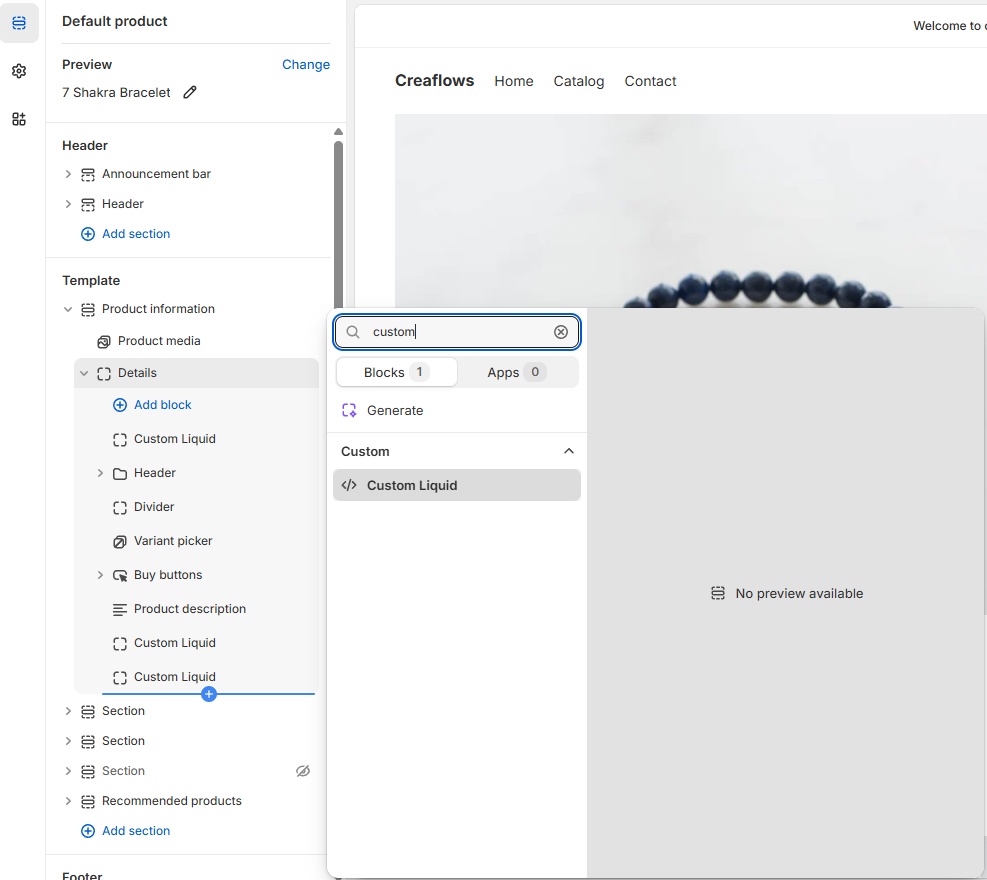
3. Add custom liquid and insert code.
{% assign base = 5 %}
{% assign maxNumber = 10 %}

<div class="daily-purchase-counter" id="dailyCounter">
  {{ base }} people bought this today
</div>

<style>
.daily-purchase-counter{
  background:#EBF7E6;
  color:#3C7425;
  border-radius:5px;
  padding:4px 12px;
}
</style>

<script>
(function(){
  const base = {{ base }};
  const maxNumber = {{ maxNumber }};
  const counterEl = document.getElementById('dailyCounter');

  function updateCounter(){
    const seconds = Math.floor(Date.now() / 1000);
    const extra = seconds % (maxNumber - base + 1);
    const counter = base + extra;
    counterEl.textContent = counter + ' people bought this today';
  }

  updateCounter();
  setInterval(updateCounter, 5000);
})();
</script>
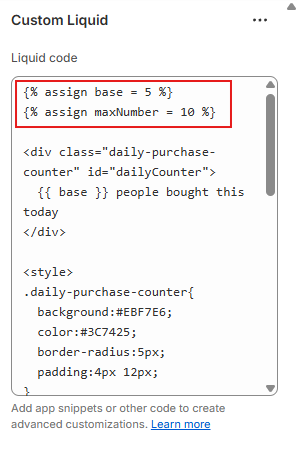
3. Customize the numbers (optional)
You can control the range of the counter here:
{% assign base = 5 %}
{% assign maxNumber = 10 %}
3. Change text (optional)
You can fully customize the text:
<div class="daily-purchase-counter" id="dailyCounter">
  {{ base }} people bought this today
</div>
For example:
{{ base }} people purchased this today{{ base }} shoppers bought this today{{ base }} orders placed today
4. Save changes
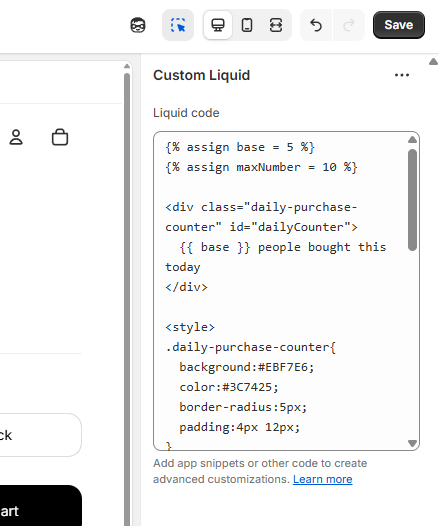
Click Save in the top right corner to apply the changes to your product page.

 I’m Fruzsina professional webdesigner/dev with years of experience.